How to Create a Strong Password: The Complete Guide
How to Create a Strong Password: The Complete Guide
If you use even a single online service, your password is the most fundamental line of defense protecting your personal information. Yet millions of people still rely on dangerously weak passwords like “123456”, “password”, or “qwerty”. This guide explains why strong passwords matter, what makes a password secure, and how to create one in practice.
How Hackers Crack Passwords
Password attacks generally fall into three categories.
Brute Force Attacks
This method tries every possible character combination. Shorter passwords fall almost instantly. A 6-character lowercase password can be cracked in seconds with modern GPUs, while a 16-character password using uppercase, lowercase, numbers, and symbols would take trillions of years.
Dictionary Attacks
These attacks use lists of real words, names, birthdays, and commonly used passwords. Combinations like “sunshine2024” or “iloveyou” are especially vulnerable because they appear in widely available password dictionaries.
Credential Stuffing
Attackers take email-password pairs leaked from one service and try them on other platforms. If you reuse the same password across multiple sites, a single breach can compromise all your accounts.
What Makes a Password Strong
Security experts recommend passwords that meet the following criteria.
1. At Least 12 Characters (16+ Recommended)
Length is the single most important factor in password security. Each additional character increases cracking time exponentially.
| Length | Lowercase Only | Mixed Case + Numbers + Symbols |
|---|---|---|
| 8 chars | Seconds | Hours |
| 12 chars | Weeks | Thousands of years |
| 16 chars | Centuries | Trillions of years+ |
2. Multiple Character Types
- Uppercase letters (A-Z)
- Lowercase letters (a-z)
- Numbers (0-9)
- Symbols (!@#$%^&* etc.)
Using all four types dramatically increases the number of possible combinations at any given length.
3. Unpredictable Combinations
- Never use personal information (name, birthday, phone number)
- Avoid dictionary words used as-is
- Skip keyboard patterns (“qwerty”, “1qaz2wsx”)
- Never reuse previous passwords
4. Unique Per Service
Use a different password for every account so that a breach on one service does not compromise the others.
Practical Methods for Creating Strong Passwords
Method 1: Use a Random Password Generator
The most secure approach is to use a password generator powered by a cryptographically secure random number generator such as crypto.getRandomValues(). These produce far more unpredictable passwords than any human could create.
Try the Password Generator on utilo.kr to generate secure passwords directly in your browser.
Method 2: Passphrases
Combine multiple unrelated words into a phrase. For example, “correct-horse-battery-staple” is both easy to remember and extremely difficult to crack. Aim for 4-5 random words.
Method 3: Sentence Transformation
Start with a memorable sentence and extract a password using a personal rule. For instance, take the first letter of each word, mix in numbers and symbols. “I drink coffee every morning at 7am!” becomes “Idcem@7a!”.
Password Management Tips
- Use a password manager: Tools like 1Password or Bitwarden securely store all your passwords
- Enable two-factor authentication (2FA): Adds a second layer even if your password is compromised
- Regular audits: Check haveibeenpwned.com to see if your credentials have been exposed
- Log out on shared devices: Always verify you have logged out on public computers
Conclusion
A strong password is the foundation of digital security. Make them long, use diverse characters, and never reuse them across services. Combine a password generator with a password manager to achieve both security and convenience.
Frequently Asked Questions
What standards do utilo calculators use?
Calculations reflect Korea's current laws, tax rates, and insurance premiums as published by official bodies (NTS, NPS, NHIS, BOK, etc.), updated when regulations change.
Is my input stored on the server?
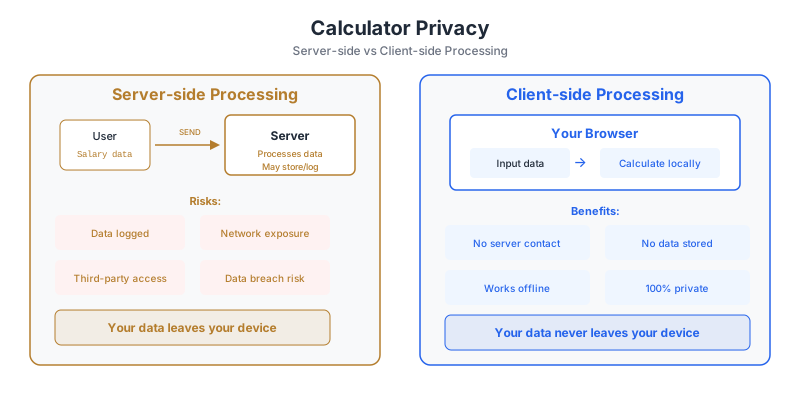
No. All calculations run in your browser; inputs are never sent to or stored on our servers.
Can results differ from reality?
These tools provide general estimates and do not account for individual deductions, exemptions, or special conditions. For authoritative numbers, consult official sources or a professional.